
 Welcome to the Tenimo Region!
Features
-
 Includes all Pokemon through the Crown Tundra. (#1 - #898)
-
Items included to evolve Pokemon the previously required trades.
-
Mega Pokemon
- All existing are included, many Gigantamax Pokemon received Mega Stones, and many new custom Mega Evolutions.
-
Shadow Pokemon
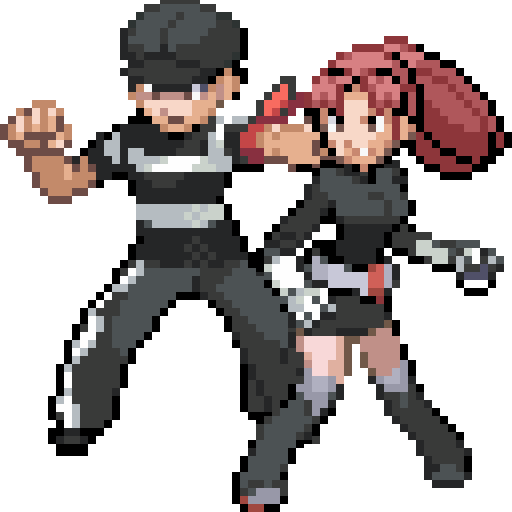
- including custom graphics and new items to help purify the Shadow Pokemon.
-
New Start Menu
feature shows all encounters available on any route the player is on.
-
Main story takes ~24 hours to complete.
Frontier Region and post-game content to come later!
-
Ride Pokemon, Shiny Pokemon, Fast Forward, HM Items, an improved battle UI and more!

Screenshots

Ruined Desert
Visit the Ruined Desert just north of Route 9 after receiving Goggles which you'll need to traverse the difficult terrain.

Beta Content
The current beta features tons of great content including battles through the Elite Four and nearly 80% of the Pokedex is catchable.

New UI
New menus and new art give a refreshing experience for this iconice game series.

Summit City
Reach the top of the main mountain range in the Tenimo Region to reach Summit City where the snow falls all year.

Burned Forest
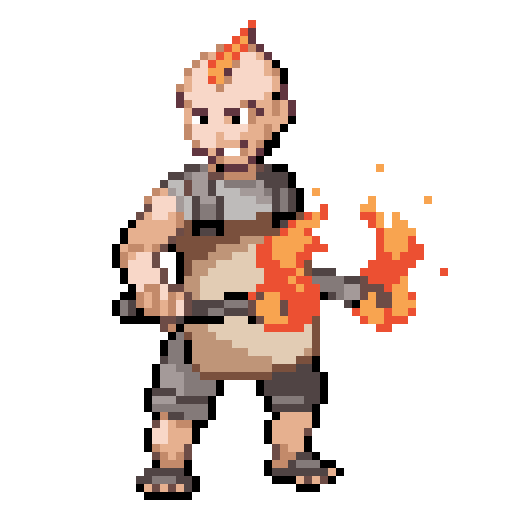
Journey through the burned forest where smoke billows out all year long.

Custom Outfits
Change your characters outfit depending on your mood! Visit special Pokemon Centers in game to shop items or change outfits.
Download
Beta v1.1.0
Requirements
- Any PC slightly better than a potato should work.
- Running Windows or for Mac using Wine or a partition.
How to Play
- Download the .zip file using the button Download button.
- Unzip the file.
- Open the file Game.exe to start playing. A save file will be created in C:\Users\yourusername\Saved Games\Pokemon Essentials